
How to Find a Streamer’s New Broadcasting Channel After They Change Their Username
A missing channel does not always mean the streamer created a new account. They may have renamed the existing channel, opened a separate channel, moved to another platform, or stopped broadcasting without naming a replacement.
The safest approach is to identify what changed, then verify the new channel through a source already known to be official. Matching profile pictures, similar usernames, and comments from viewers are useful clues, but they are not enough before you subscribe, donate, or sign in.
First Determine What Happened to the Old Channel
Start by opening the old channel URL, checking saved VODs, and reviewing the streamer’s established social accounts.
| Possible Change | What You May Find | What It Means |
|---|---|---|
| The same channel was renamed | Old broadcasts, followers, and account history remain under a different display name or handle | Follow the updated profile after confirming it is the same account |
| A separate channel was created | The old channel remains visible and contains a link or announcement directing viewers elsewhere | Treat the new page as official only after following that link |
| The streamer moved platforms | The old profile, website, or verified social account links to a channel on another service | Confirm the complete destination URL before following |
| The old channel closed without a replacement | No official announcement, redirect, or cross-link exists | Do not assume a similarly named account is the successor |
URL behavior differs by platform. On YouTube, changing a handle creates a new @handle URL, while the channel also has a standard URL based on its unique channel ID. A saved ID-based URL can therefore help identify the underlying channel even when its public handle changes.
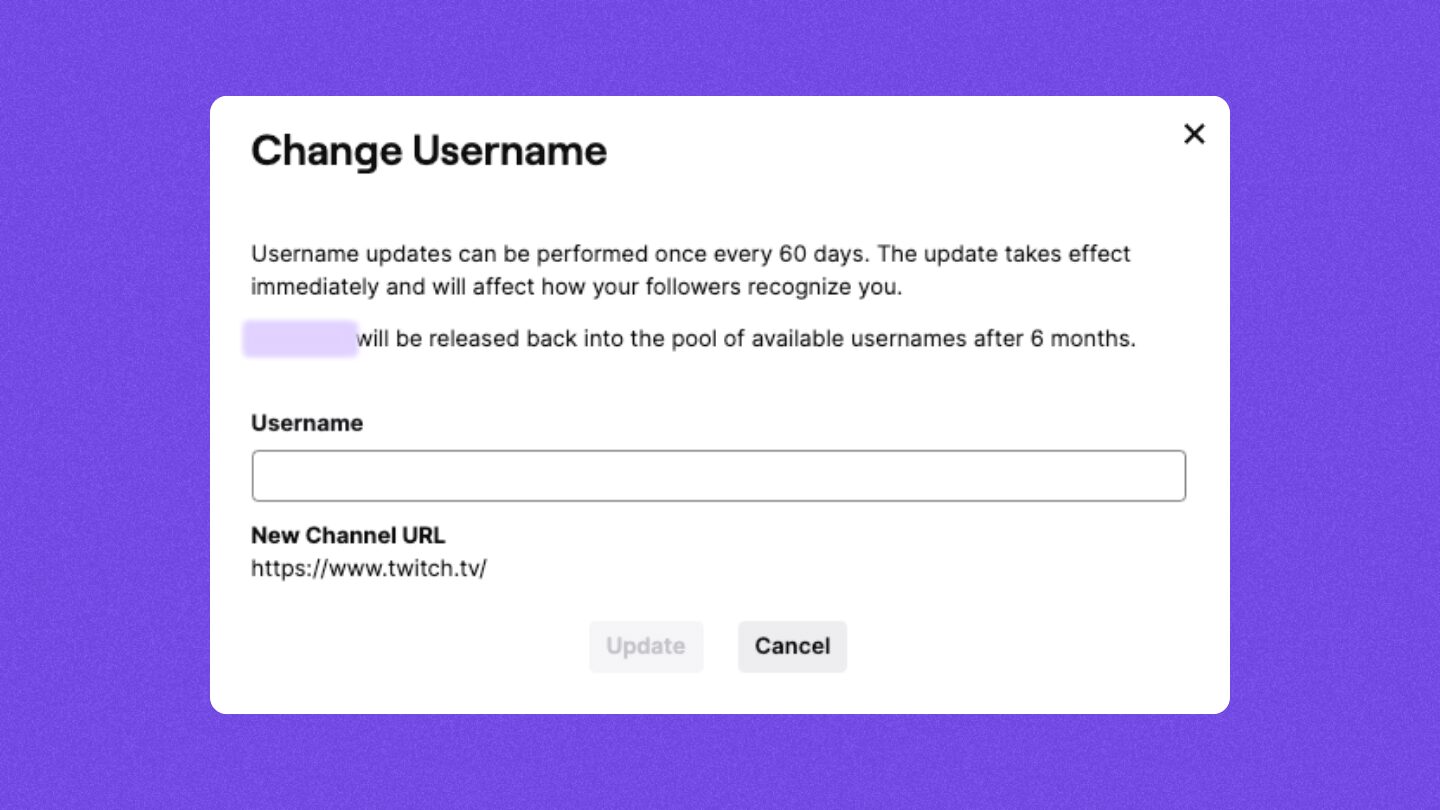
Twitch works differently: its official username policy states that the old channel URL does not redirect after a username change. Viewers must locate the updated address through another official source rather than relying on the old URL.
Because these systems differ, do not assume that a missing redirect proves the streamer created a new account.
Follow Links From a Source You Already Trust
Use the streamer’s known official website, agency page, primary social account, newsletter, Discord announcement channel, Naver Cafe, or other previously confirmed community.
Check these locations in order:
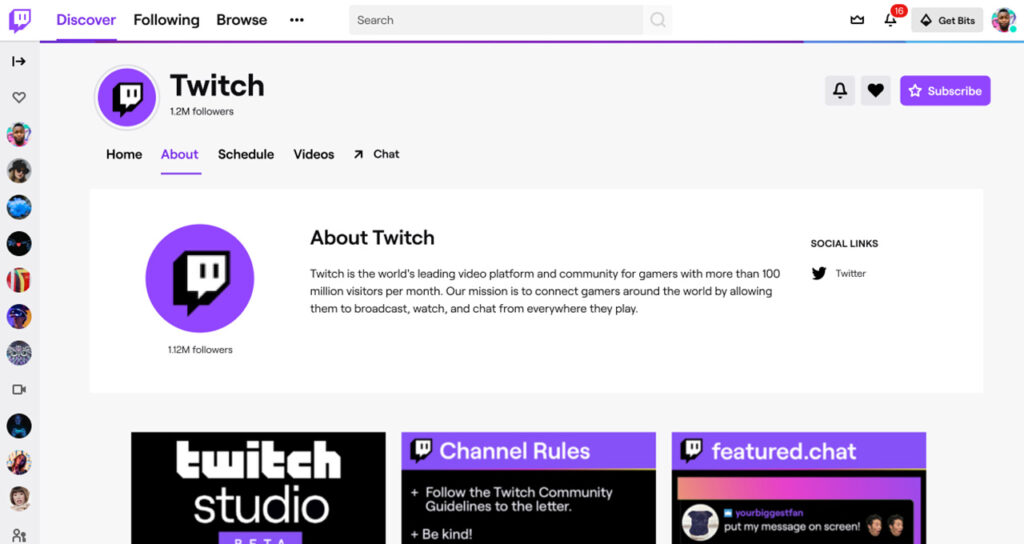
- Profile bio or About section
- Pinned announcement
- Recent post mentioning the username change
- Description or pinned comment under the latest VOD
- Official website or agency profile
- Community notice written by the streamer or an identified moderator
YouTube allows channel owners to display external links on the channel’s Home tab. A new Twitch, CHZZK, Instagram, or personal-site link published on a known YouTube channel is therefore much stronger evidence than finding the same username through search.
The new username does not need to resemble the old one. A streamer may adopt a completely different brand, especially after changing agencies, switching content categories, or moving platforms. The direct link is more important than the name match.
| Evidence | Reliability |
|---|---|
| Direct link from a confirmed official website or account | Strong |
| Announcement from the streamer or management company | Strong |
| Old and new channels link to each other | Strong |
| Recent VOD description names and links the new channel | Strong |
| Same moderators, branding, voice, or content style | Supporting |
| Viewer comments identifying a new username | Weak |
| Same profile picture or similar follower count | Weak |
| Same or nearly identical username | Very weak |
A link posted by an unknown user in the comments should not be treated like a link published by the streamer.
Search Old Content When No Announcement Is Easy to Find
When the profile does not contain an obvious notice, inspect content from shortly before and after the username change.
Search the streamer’s old name together with:
- “new username”
- “new channel”
- “channel move”
- “platform move”
- “name change”
- “announcement”
- “새 닉네임”
- “새 채널”
- “방송 이동”
Check recent VOD descriptions, clip overlays, end screens, community posts, schedules, and channel banners. A streamer may announce the new address inside a video rather than in the profile bio.
If they moved from one platform to another, search their official social timeline around the date their old broadcasts stopped. The first announcement often contains the destination channel and the date of the first stream.
Username-history tools and community databases can help identify possible new names, but use them only as research aids. Do not sign in through a third-party tracker or give it access to your streaming account. Confirm any result through the streamer’s official page before relying on it.
When you find only indirect clues, label the candidate channel unverified. Do not force a conclusion simply because its content appears similar.
Verify the Full URL Before Subscribing or Donating
Apply a stricter standard when the new account asks viewers to:
- Subscribe or purchase membership
- Donate or send a direct transfer
- Log in through an external page
- Join a private community
- Download an application or browser extension
- Submit personal or payment information
Return to the confirmed official account and open the channel or payment page from its published link. Check the full platform domain, channel handle, merchant name, subscription price, renewal conditions, and cancellation method.
Also review whether the new channel has a credible history. A genuine renamed channel may retain old broadcasts and community activity. A genuinely new channel should still have a direct announcement explaining the move. A page created recently with copied thumbnails and an unfamiliar donation link should not be trusted solely because it uses the streamer’s old branding.
When a suspicious account impersonates the streamer, save its URL, handle, screenshots, messages, and payment requests before reporting it through the platform.
Use Direct Confirmation as the Final Test
The quickest reliable process is:
Open a known official account → find the username-change announcement or cross-link → open the exact new channel URL → confirm the streamer and channel history → subscribe or pay only after verification.
If no official source connects the old identity to the new channel, continue treating it as unverified. A similar username helps you search; a direct official link establishes the connection.